CV Match Analysis
Get a clear match score and see which job requirements your CV covers.
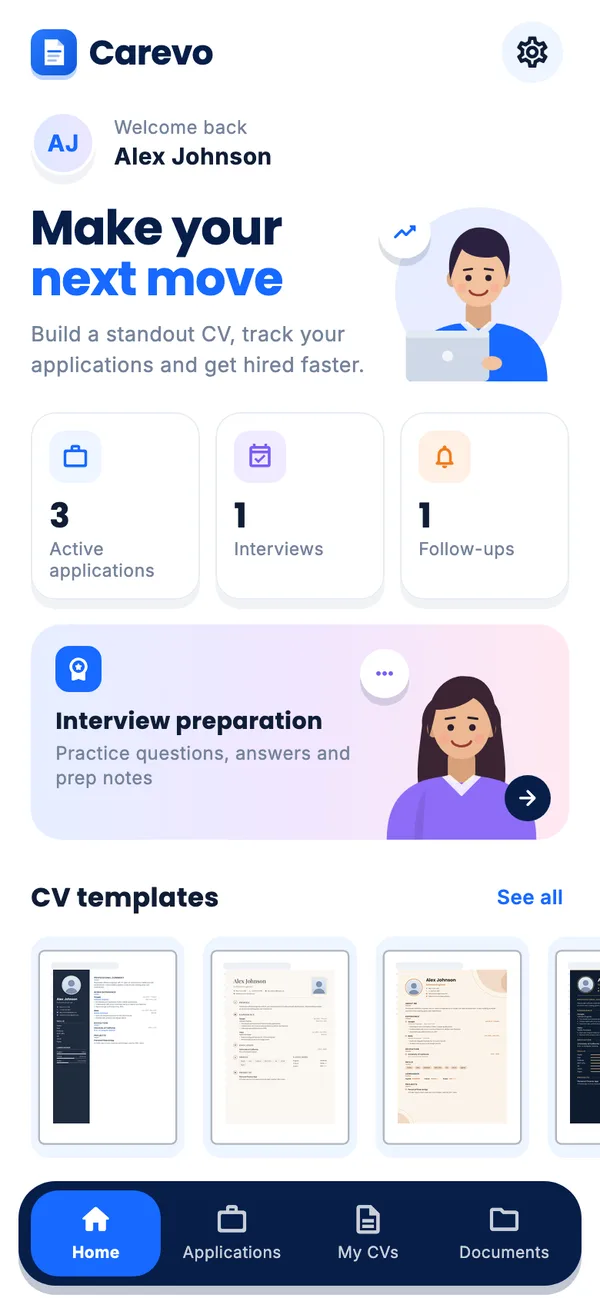
Build, check and tailor your CV in minutes. Choose from modern templates, compare your CV with any job description and keep every application and interview on track.
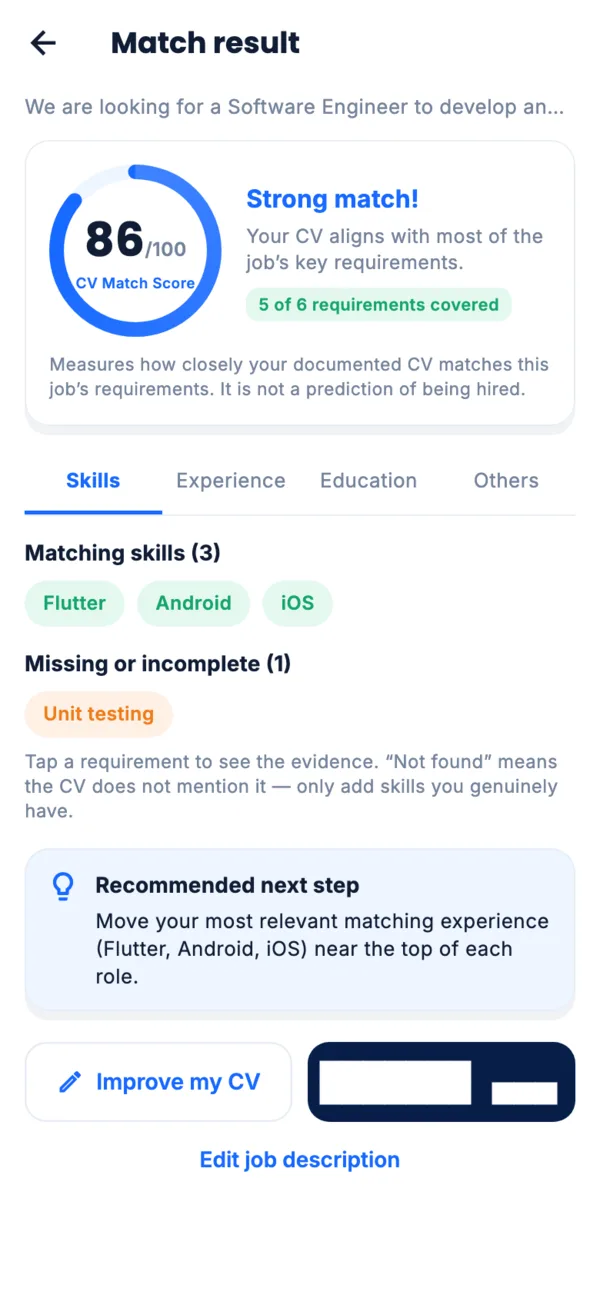
Get a clear match score and see which job requirements your CV covers.
Choose from 15 modern designs for every industry and career stage.
Track applications, interviews and follow-ups, with reminders.
Download your CV as PDF or Word and share it instantly.
Start from scratch or pick a template and fill in each section.
Paste a job description and see what to improve in your CV.
Export your professional CV and track every application.
Choose from 15 clean, ATS-friendly designs. Switch templates at any time without retyping your content.
Get All 15 Templates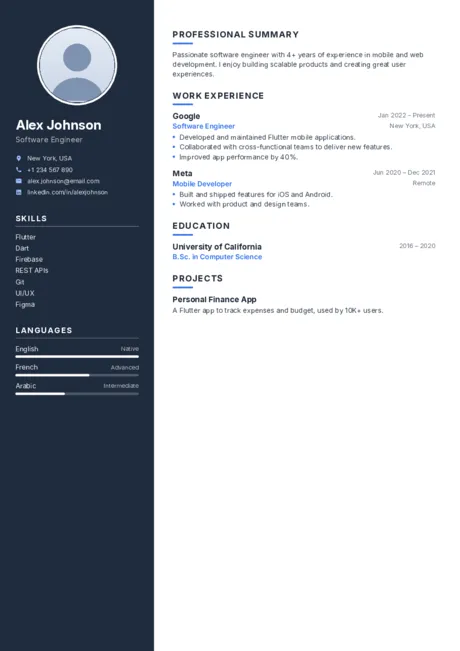 Modern
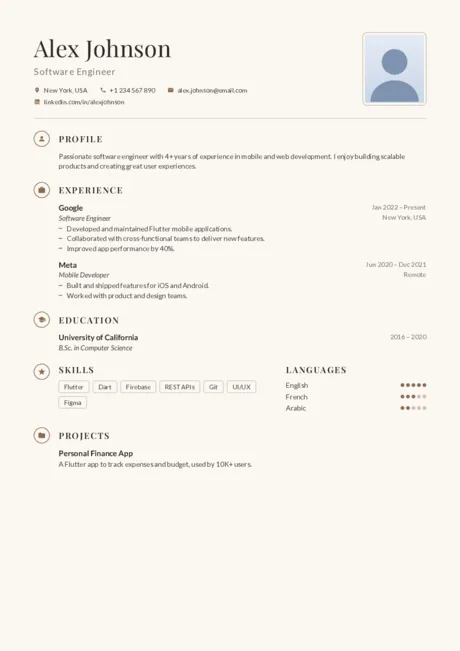 Elegant
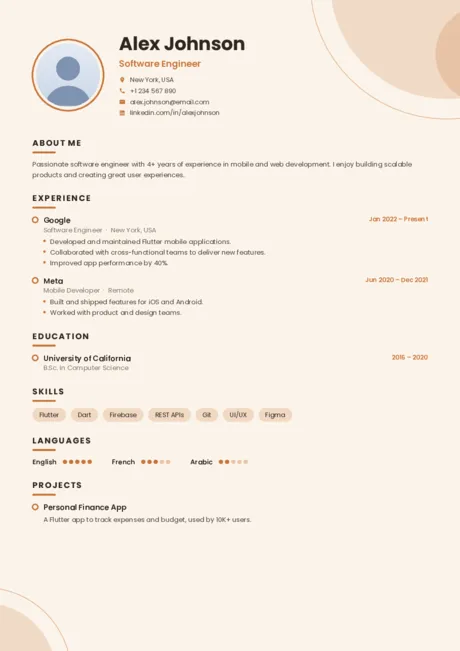 Creative
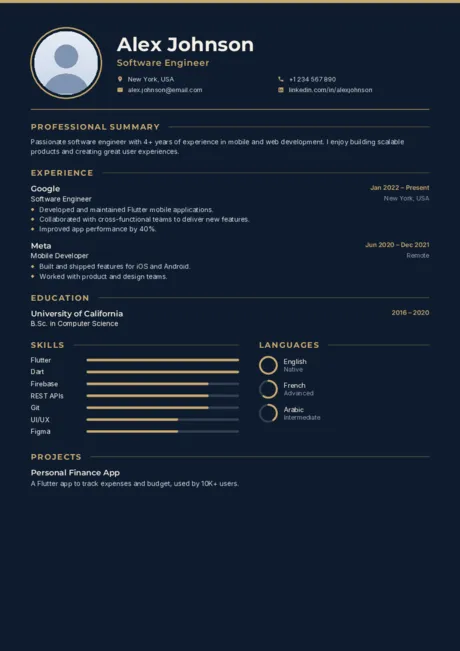 Executive
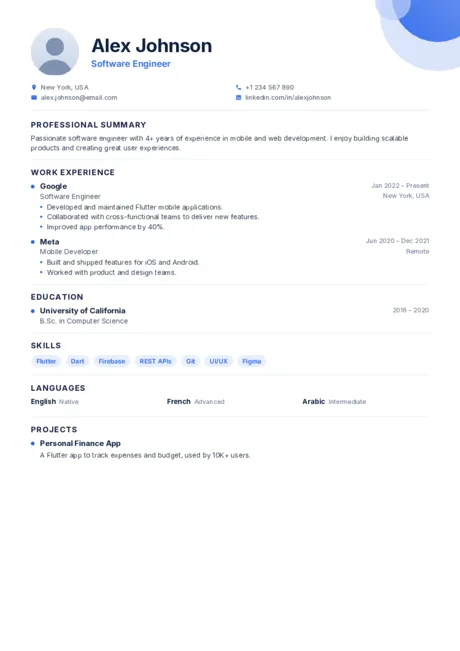 Professional
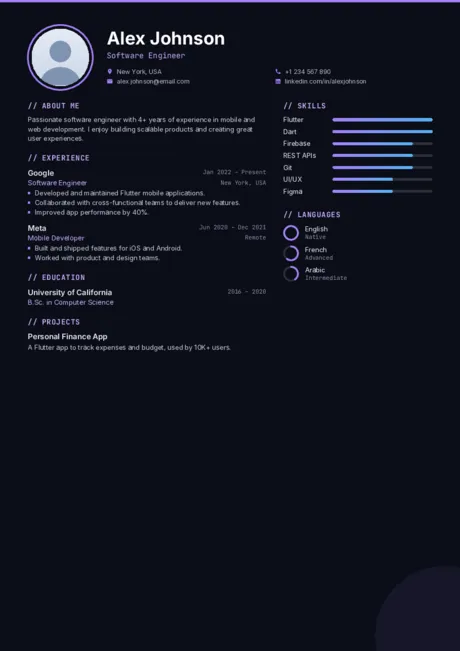 Tech
Tech
Your CVs are saved on your phone. No account needed, and files leave your device only when you share them.
Practise common questions with the STAR method and keep your answers and notes in one place.
Scan papers, import files and merge, split or compress PDFs for your applications.
Yes. Carevo is free to download and use. It shows ads; after a few free exports, a short optional video unlocks more exports.
No. An account is optional and Carevo works fully without one. Your CVs are saved on your device either way.
In the app’s private storage on your phone. Files only leave your device when you choose to save, share or print them.
PDF for applications and Word (.docx) when you need an editable file, in A4 or US Letter.
Paste a job description and Carevo compares it with your CV on your device, showing which requirements your CV covers and what to improve. It measures how well your CV documents the job’s requirements; it is not a prediction of being hired.
English, French, Spanish, Arabic, Portuguese and German.
Carevo for Android is coming soon to Google Play. An iPhone version is not available yet.
Create your CV, check it against any job ad and keep every application on track. Coming soon to Google Play.